Gaining control of every projector and camera on campus
Published:
While starting my first year at the Colorado School of Mines, I came across a rather interesting fact: the local DNS servers will assign a subdomain to each device that connects to the network. This means that a device called “meow” will be visible as “meow.mines.edu” on any campus wifi, though the network still blocks any traffic. This got me thinking in the back of my mind about what I could do with this, and especially if I could use this to trace back devices on the network.
The main problem is accessing the underlying DNS records that point a specific subdomain to a specific IP (it’s a bit more complicated than this, but you get the gist), which can be addressed in a few ways:
Zone Transfer
While this would be the simplest option, I doubt IT would simply zone transfer to me (and they really should not zone transfer to just anyone). My list also wouldn’t update as new devices are added or removed from the network. Plus, where would be the fun in that?
Certificates
Many subdomains register certifications to ensure your data is coming from the right place (TLS, HTTPS certificates). These certificates are added to append only ledgers or logs, like letsencrypts CT logs. While these are useful and necessary for websites, I don’t see why my college would register TLS certificates for every device connected to its wifi, especially since they aren’t even accessible from the internet.
Brute force
The last approach I see, and the one this blog is all about, is brute force. There’s a few ways to do this, including searching every possible domain, or using a dictionary of common hostnames to reduce the number of lookups. I personally don’t like the dictionary approach for this project. Even though it’s more practical in the real world, I became particularly interested in writing a program that was fast enough to brute force every combination. This gets exponentially harder, as the number of domains possible is 37^n, where n is the character length of the subdomains.
After settling on permuting through brute force (possibly the worst option), I got to work. The first program was just something I wrote in python, getting me to wrap my head around the problem. I used the itertools permutation function to find every combination of letters and numbers to make the subdomain (spoiler alert, this was a bottleneck). I knew it needed to be async because otherwise I would be blocking in order to wait for each DNS response. It was fine as a program, and had a decent minimal TUI, but was way too slow despite being async. Still enough to enumerate 3 characters in a decent amount of time.
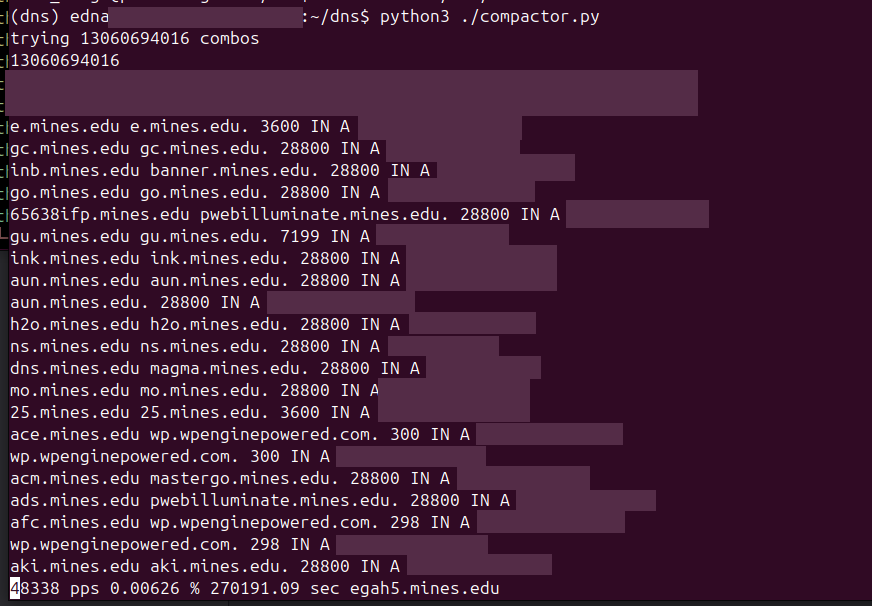
This was about when I started moving over to rust. I know a lot of cool projects in rust, yet I never saw the need to build something in it. Python had always been fast enough for what I was doing, until now. I also started playing around with Helix, a modal editor, and realized how much I like it. While I rarely use any editor that goes beyond syntax highlighting for python, language servers also become a necessity in rust.
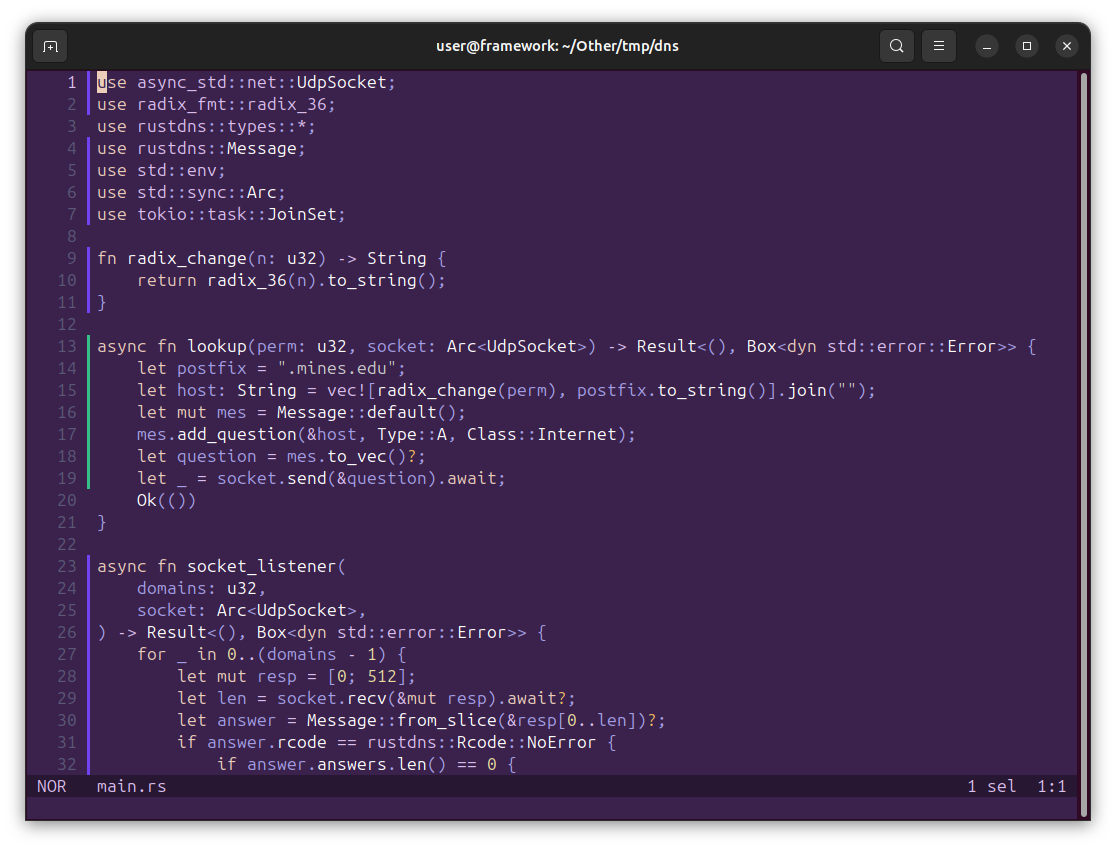
pretty!
My first attempt used a multi cartesian product function from the rust itertools crate, but I realized shortly later that incrementing an integer and then converting it to base 36 would be much faster. The speed of the permutation thread became rather important, as it’s the only piece that does a large amount of CPU work and can’t be easily parallelized. In the python version, I generated prefixes using the same permutation and then assigned each to a thread, but I really didn’t want to deal with this in rust. Instead, I created multiple processes for my program using a bash script, and informed each of the total number of processes and its specific offset. Each process would increment the integer representing the IP by the total number of processes (instead of 1), starting at its offset value, therefore covering every value between all processes.
In rust, I got direct access to the udp port handling the dns server connection, which meant reading and writing could happen within different async functions. I assigned the reader to continue in a loop until it had read from the socket as many times as I sent requests, and only print out the ones that did not respond with NXDOMAIN (Domain doesn’t exist). Handling this here is rather important, as early on I was using grep to filter out domains and it started eating almost as much CPU as the process itself. The writer is rather simple, it converts the integer to the base36 value, writes the DNS query to the socket, and then exits.
At one point, I encountered a rather strong memory leak that would get my process up to hundreds of GB of ram. This was happening due to me appending each writer function call to a list, so that at the end of the process I could wait for all writer functions to exit. To fix this, I first tried dropping these handles and instead waiting for the reader to finish, but this still did not stop the leak. I concluded that the internal async stack within tokio (one of the rust async libraries) was actually what was leaking, as I was spawning queries faster than they could be moved to be executed. To fix this part, I blocked queries once I got to a certain amount and continued after all were done. A perfect solution would be to keep the async stack at a certain size constantly. In the real world, this would make a rather small performance improvement while needing me to rewrite a lot of my program, so I kept it as it is.
Through optimizing, I eventually got the program up to 200 Mibps per 2 threads (The thread count is rather important as the server I was working on is limited to 500 threads, and only has 96 cores to work with anyways). This calculates to about 50.33 Gbps with 480 threads, but the last version I tested at full capacity only hit 4.04 Gbps, and I would have been limited to around 96 threads (or about 10.06 Gbps) capacity anyways.
At some point, I hit a threshold where the DNS server could no longer keep up and broke. As I later found out, this caused a ~15 minute campus wide outage for managed computers as no computer could make the DNS lookup in order to mount its network drive. IT politely told me to stop spamming the DNS server after this, so I did.
How’d IT know it was me? I yapped about it for two weeks!
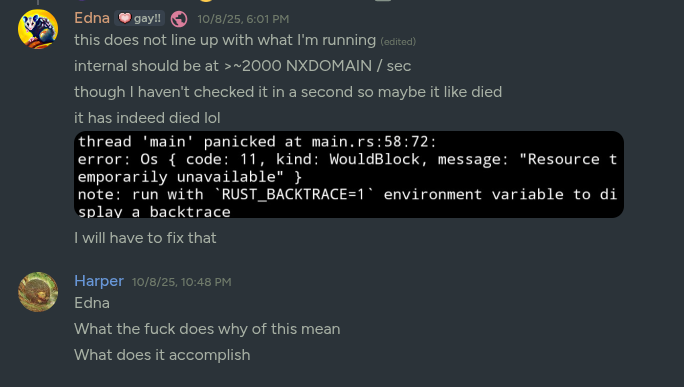
enumerating subdomains or killing the dns server, depending on who you ask
Now, that gives me a decent chunk of the subdomains, but only until processing 37 to the n queries becomes unrealistic. Luckily, this is where I learned of another secret fourth option:
PTR Records
This is another form of DNS record that maps an IP back to a domain. For example, I could map 10.0.0.0 back to meow.mines.edu. This means that I only have to scan as many IPs as are assigned within my network. For this part, I wrote a much simpler rust script that sent a DNS query for every domain I knew my college owned, or was in the network. This worked pretty well, and I got to see the silly devices on the network. Unfortunately most of these are uninteresting, like computer-precision-tower-5810 :(
Now that I know every computer.. what could I do with them? Now most of the time the network does not allow you to open a connection to anything that’s not an IT server. Under specific circumstances that I won’t get into, it will allow you to. This made me want to know more, so I started building a port scanner.
This started with something simple that used tokio’s TcpStream implementation for networking, simply checking if I can connect and then dropping the connection. It enumerated through every IP in a /16 subnet and scanned a set of ports, blocking so that only ~4000 ports were scanned per machine at any time. This worked fine, but it took a lot of CPU to get anywhere, and I knew I could go faster.
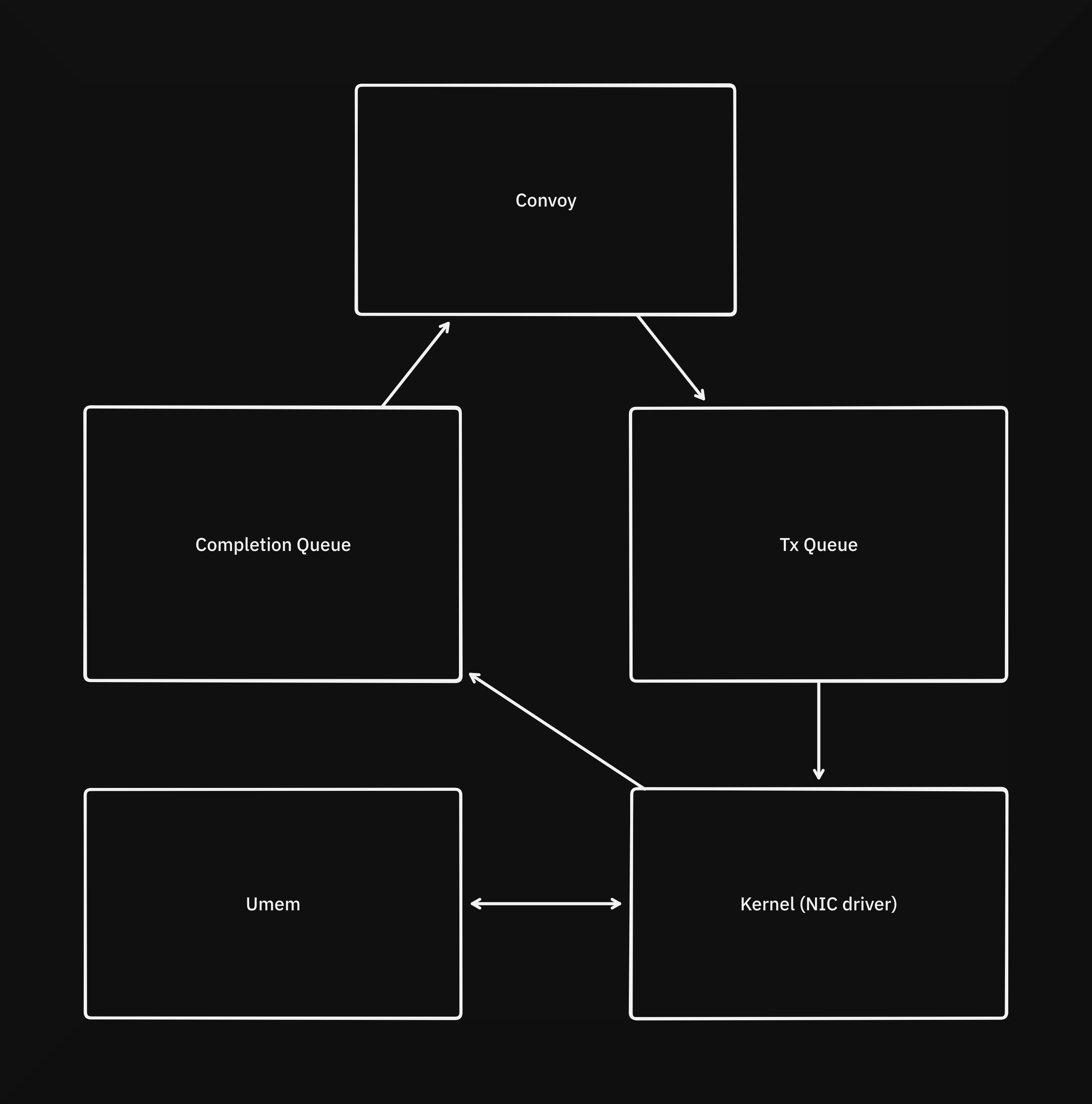
Around this time I started looking into AF_XDP, a part of the linux kernel that allows creating networking sockets that can bypass the kernels network stack (to varying extents), and I wrote a new program around it called convoy. The kernel creates 4 queues and a section of memory called Umem to interface with the NIC driver. For convoy, the most complex interaction occurs with the interaction between the Umem, TX queue, and Completion queue. After Umem is allocated, packets are written to it and offsets (also called frame descriptions) corresponding to those packets in Umem are sent to the driver through the TX queue. Upon those packets being processed, the driver sends the offsets back to convoy so that it can write more packets.
this is what silliness looks like
For this version I’m also scanning horizontally: scanning one port on all machines before scanning the next port. This distributes some of the concurrent load on the machines (as well as the network, to a lesser extent). This works pretty well, and I can scan around 300k ports per second on a single core on a free VM, while using significantly less bandwidth than the previous approach. While testing this a bit, I saw something that I honestly thought was a bug in my scanner at first: devices on the LAN were responding when they definitely should not have been. It took me quite a while to actually check what this was, and I got really concerned with what I saw.
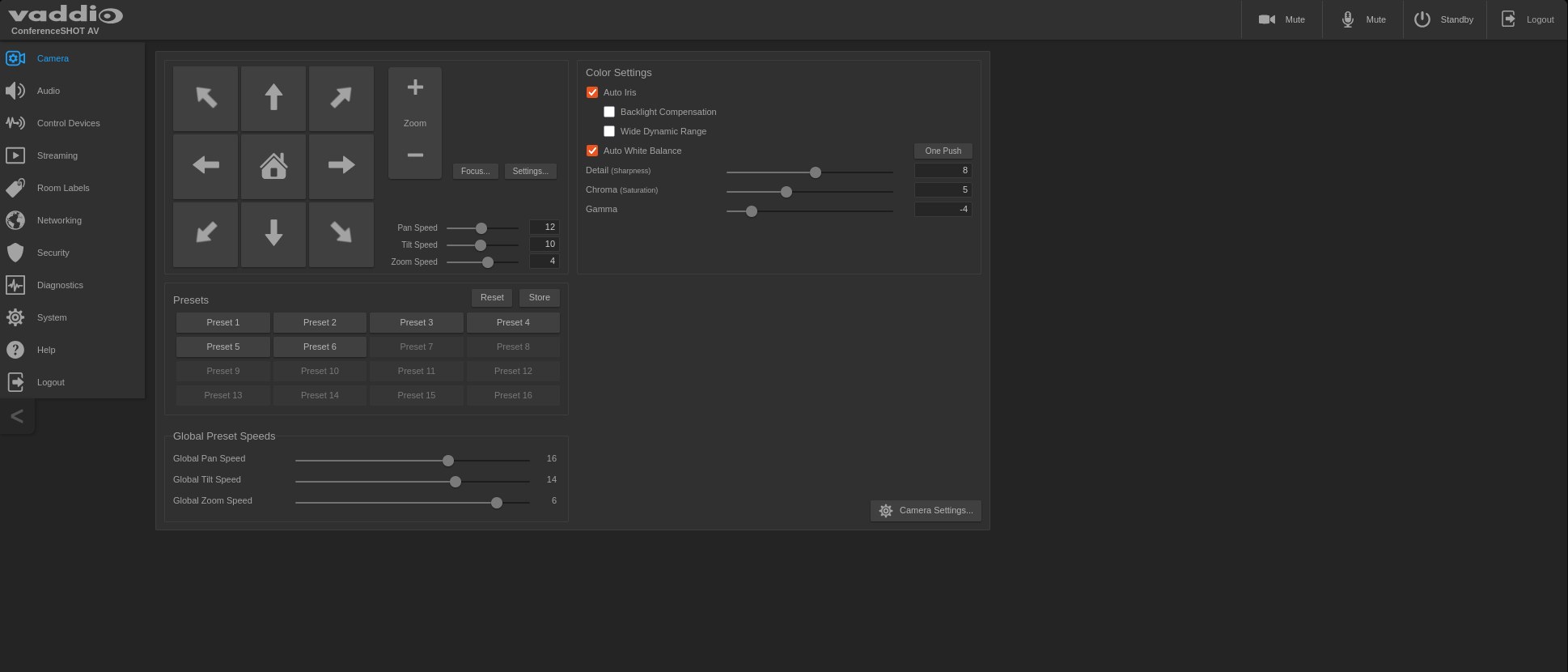
PLEASE don’t use default passwords
And then I saw something really scary
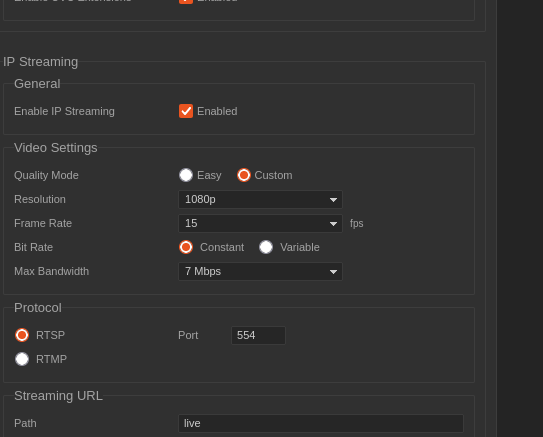
uhm what
Now I did try connecting to a camera stream (through both RTSP and setting up an RTMP server), but I couldn’t get anything to come out. What I believe is happening is that because my school uses palo alto for parts of their networking, I am being blocked by a deep packet inspection rule targeting rtsp and rtmp on this subnet. It’s also possible it is one of my school’s firewalls, but I don’t have as much faith in our IT to handle that case.
I found that I had access to control 36 cameras and wrote a bash script to interface with their API (reverse engineered from the web interface) and commanded each to move in sync, like silly little cats prancing around.
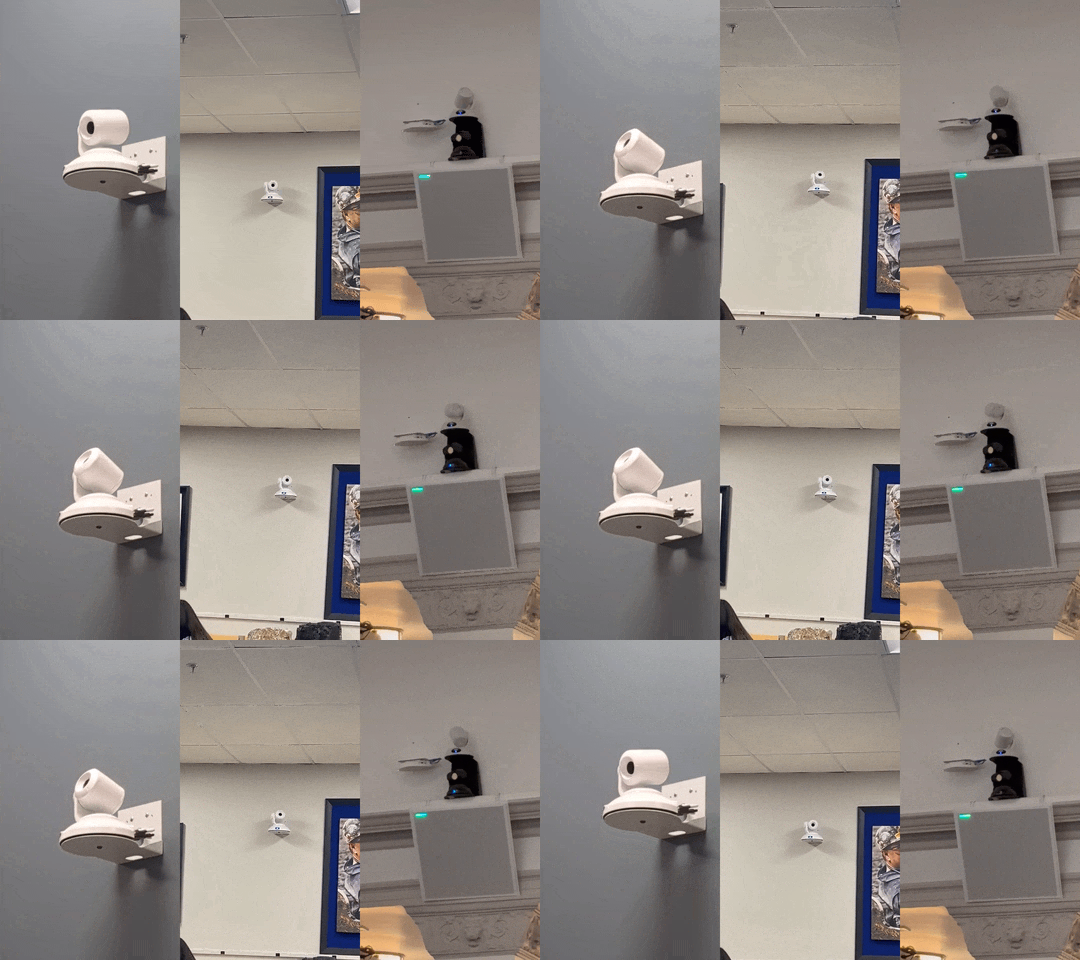
nod nod
Then I found something even sillier! Controls for almost every room on campus, letting me switch input and make the screens extend or retract.
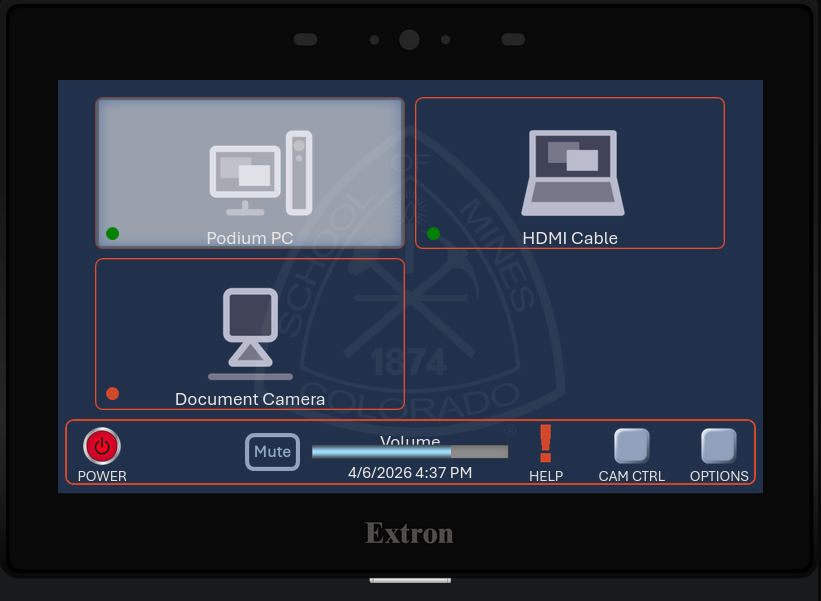
projectors should start meowing
Pretty shortly after I found this, I reported it to IT due to how insane it is. Also I don’t want to be stalked through the lecture cameras. They told me it would be patched during summer (???) but it seems to have been mostly patched. I was told this network segment was opened due to needing wireless casting to some of the projectors (I’ve encountered only 2 that actually have this). I was not compensated :<
AI usage
I used ai for a single rust scope issue that google wasn’t giving me clear answers for.